> For the complete documentation index, see [llms.txt](https://docs.hockeystack.com/llms.txt). Markdown versions of documentation pages are available by appending `.md` to page URLs; this page is available as [Markdown](https://docs.hockeystack.com/release-notes/2025/march-24-2025.md).
# March 24, 2025
## Marketing Analytics
### Deals
#### Deal Amount Synchronization
The Deals page now reflects the default deal amount specified in the "Report & Tracking" settings, ensuring consistency across your analytics.
### Attribution Page
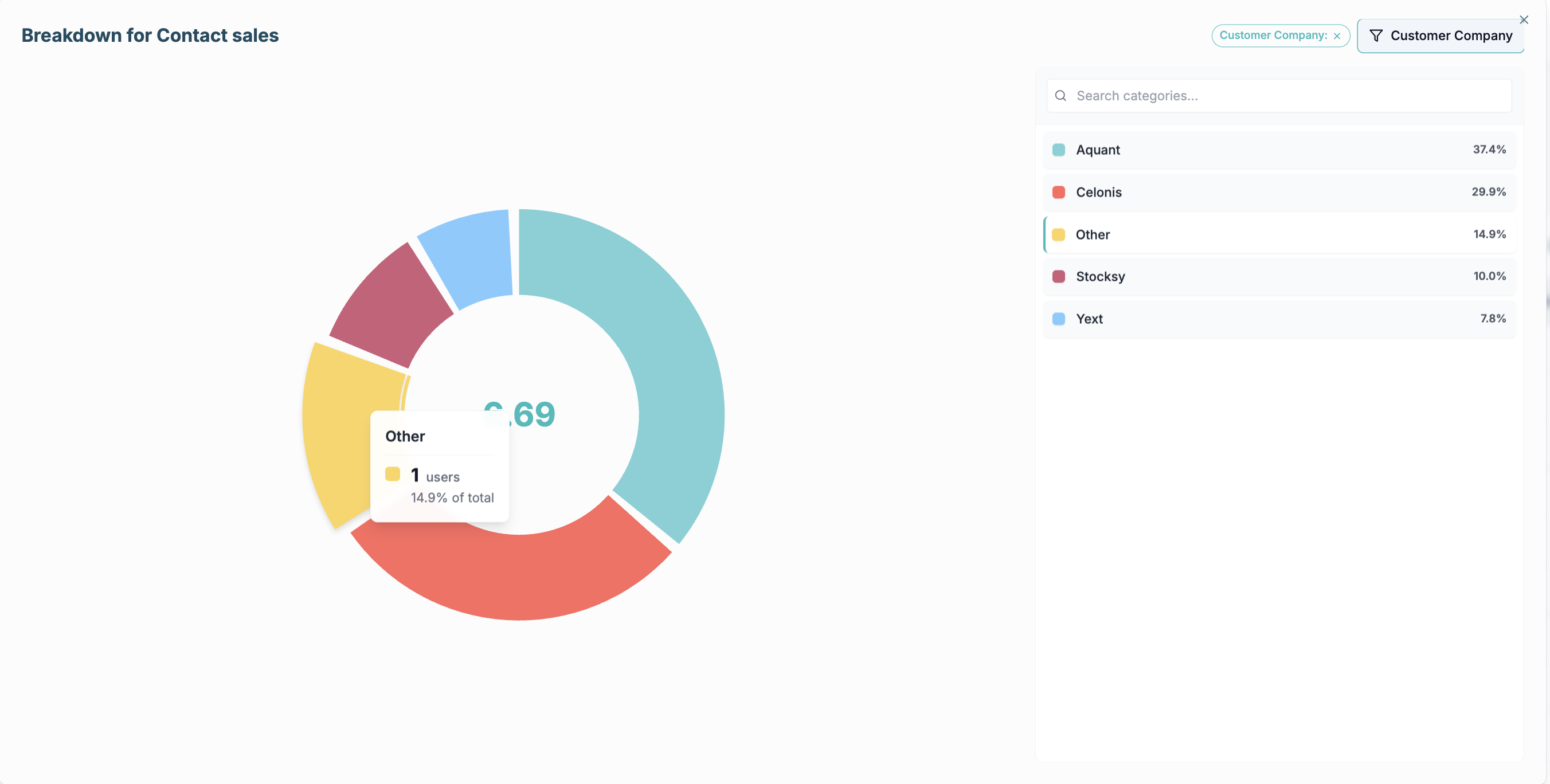
📊 **Visualizations & Breakdowns:** We have introduced a new visualization feature called "Breakdown." This feature allows you to segment data based on the predefined properties enabled for filters, offering a more detailed analysis.
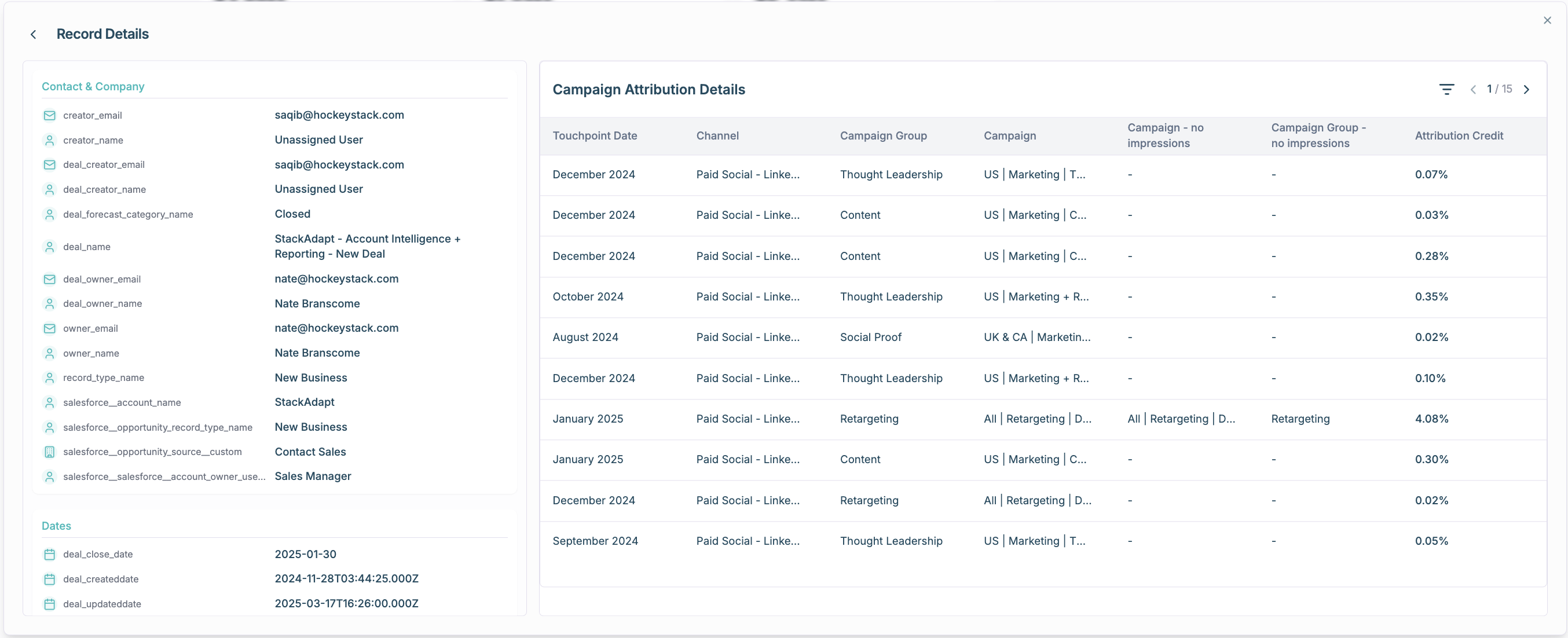
📋 **Detailed Record View:** The Record Details View has been upgraded to display all touchpoints associated with the selected value, alongside the usual list of properties, for a more thorough examination.
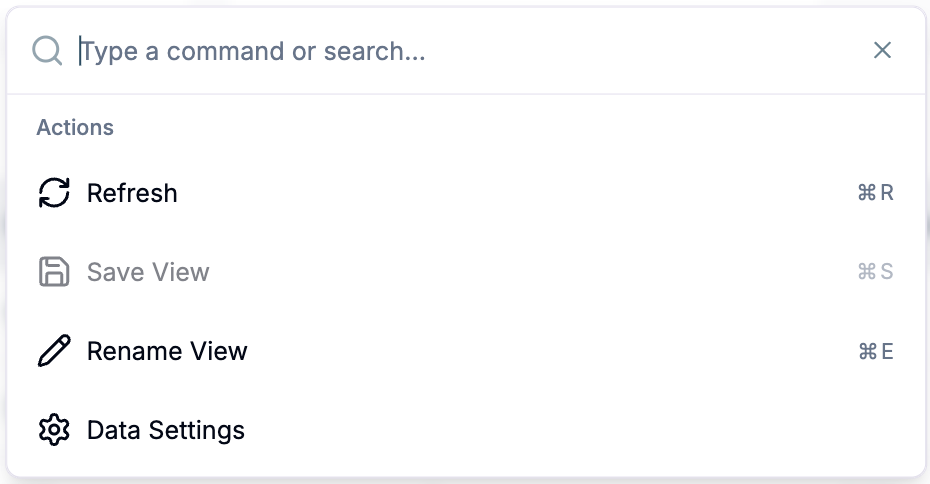
⌨️ **Keyboard Shortcuts:** For enhanced navigation, keyboard shortcuts have been integrated into the page. Try using `Command + K` to explore this functionality.
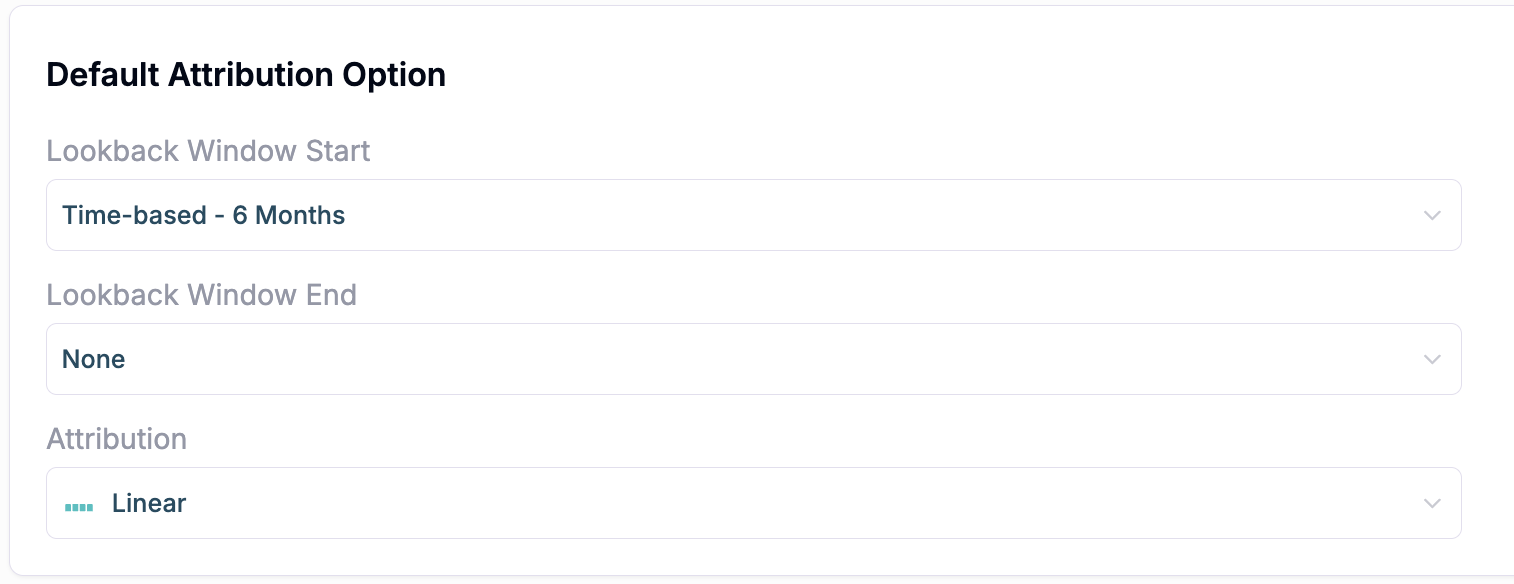
🔙 **Lookback Window Respect:** The Attribution Page now honors the default lookback window specified under "Reporting & Tracking" in the settings, ensuring consistent historical data analysis.
🐞 **Bug Fixes:** Metric cards now accurately reflect both positive and negative results. For example, an increase in 'Closed Lost' value will display in red, while a decrease appears in green, providing clear visual cues.
## Account Intelligence
🔍 **Contact Discovery Enhancement:** Get more accurate and relevant contact information with our improved contact discovery system supporting keyword filtering for more precise targeting.
🔄 **CRM Integration Expansion:** Seamlessly sync your workflows with **Hubspot** and **Salesforce**, enabling automated contact updates and lead score synchronization across your tech stack.
🎯 **LinkedIn Ads Enhancement:** Improved handling of multiple accounts for more reliable LinkedIn Ads integration.
✨ **UI/UX Improvements:** Enhanced search functionality on the Account Dashboard and improved Static Sales View interface for a more intuitive user experience.
🤖 **AI Preview Mode:** New preview functionality for AI features, allowing all users to experience AI capabilities before full access.
📊 **Vector Integration:** New intent data integration with **Vector.co**, providing deeper insights into account engagement and intent signals.
---
# Agent Instructions
This documentation is published with GitBook. GitBook is the documentation platform designed so that both humans and AI agents can read, navigate, and reason over technical content effectively. Learn more at gitbook.com.
## Querying This Documentation
If you need additional information that is not directly available in this page, you can query the documentation by asking a question.
Perform an HTTP GET request on the following URL with the `ask` and `goal` query parameters:
```
GET https://docs.hockeystack.com/release-notes/2025/march-24-2025.md?ask=&goal=
```
`ask` is the immediate question: it should be specific, self-contained, and written in natural language.
`goal` is what the user is ultimately trying to achieve, the reason they need the answer. Sharing it helps GitBook give you a better, more relevant answer. A goal is most helpful when it describes the outcome the user wants rather than restating the question. For example, with `ask=how do I create an API token`, a goal like `automate deployments from our CI pipeline` lets GitBook tailor the answer to that use case.
The response will contain a direct answer to the question and relevant excerpts and sources from the documentation.
Use this mechanism when the answer is not explicitly present in the current page, you need clarification or additional context, or you want to retrieve related documentation sections.